
Self-guided product tour
See how Stream works, step by step. No form, no sales call.
Seven steps follow an invoice, an expense report and a purchase order from arrival to ERP posting. Click through at your own pace; book a demo only when you want to see it on your own documents.
Interactive tour
Follow the work through Stream
Step 1 of 7
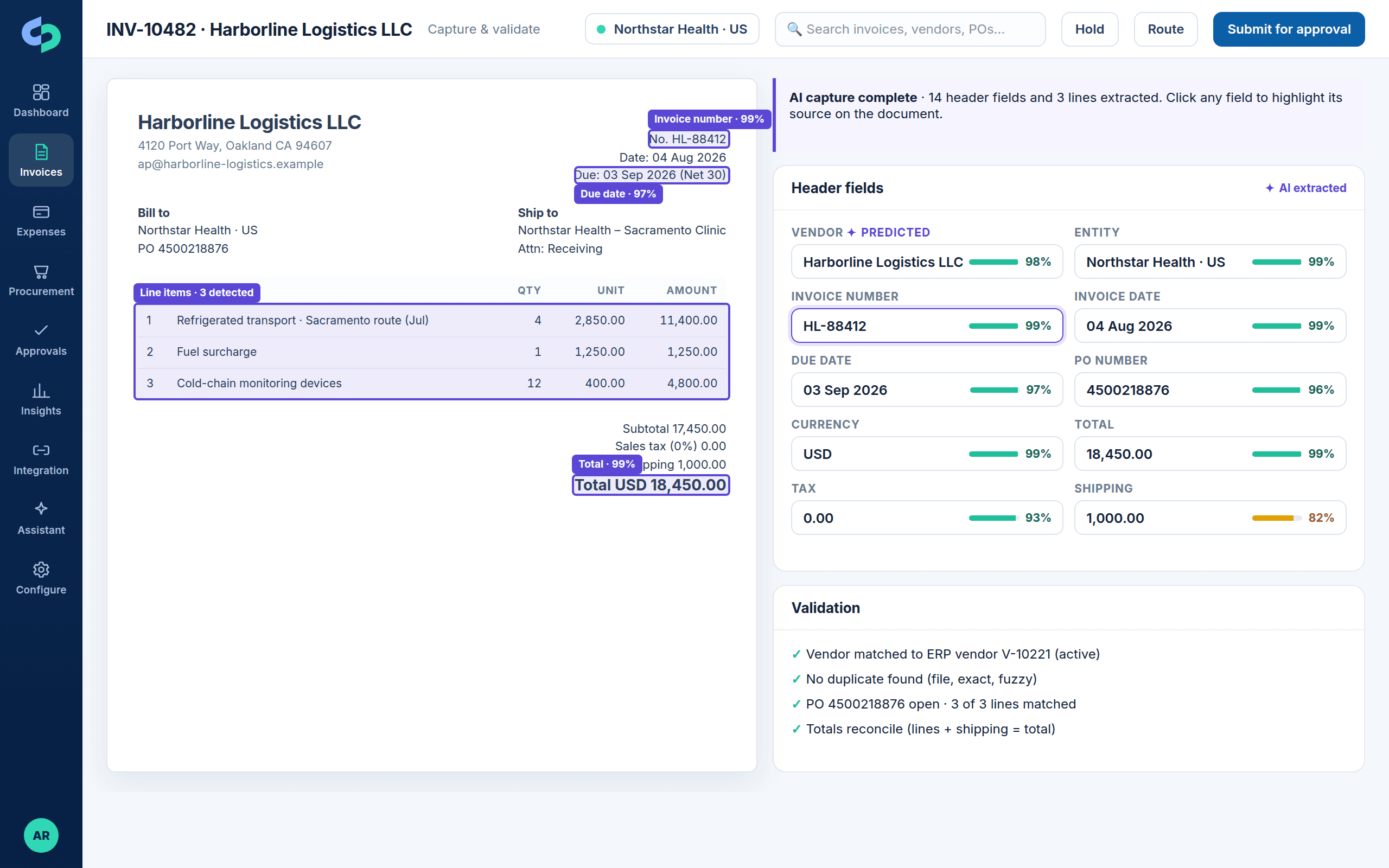
Invoices and receipts arrive; AI reads header and lines
Email mailboxes, uploads, vendor portals and mobile receipts feed one queue. Stream extracts vendor, dates, totals, tax, PO and every line with field-level confidence, and highlights where each value came from.
- Multi-format, multi-language, multi-currency
- Vendor identification and prediction
- Duplicate checks: file, exact and fuzzy
Roles
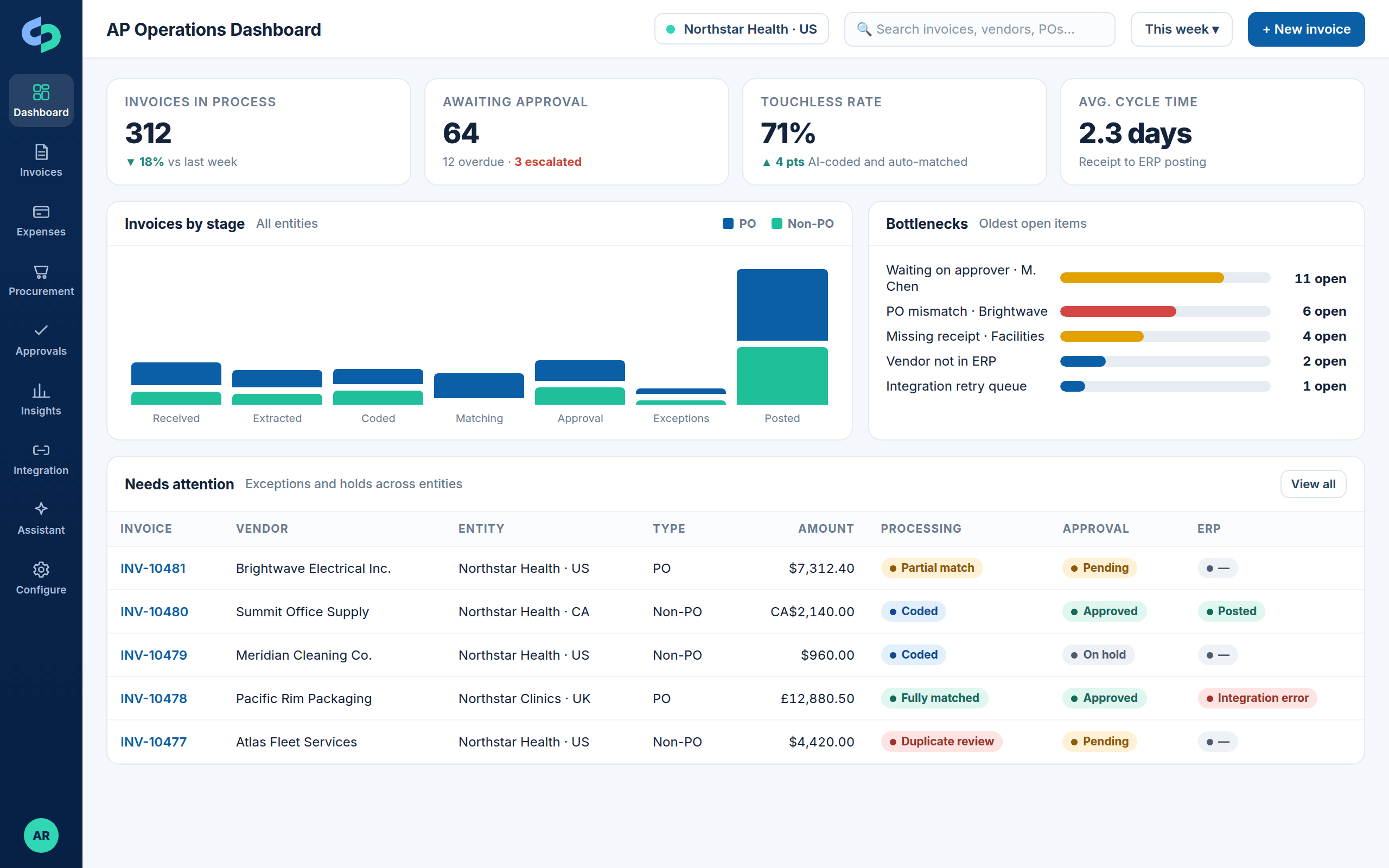
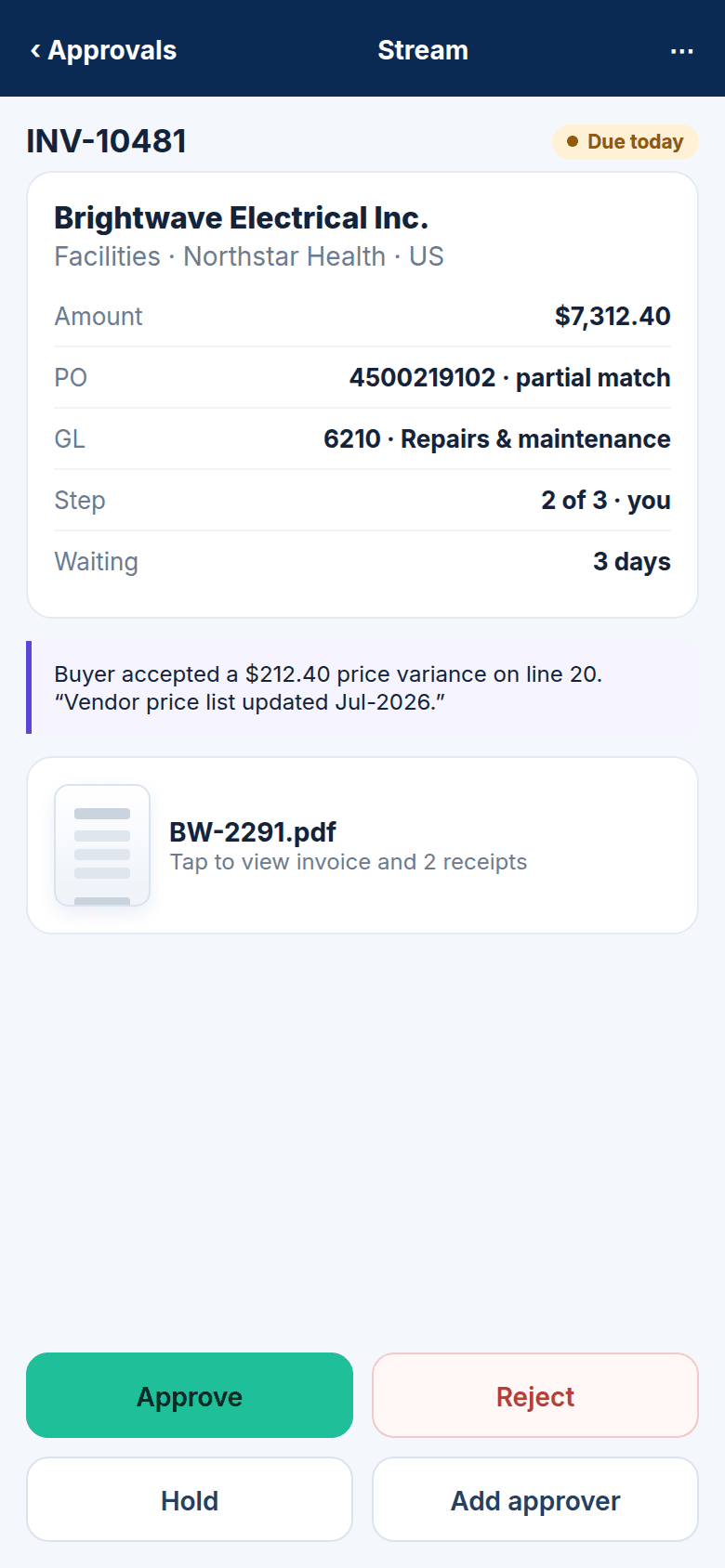
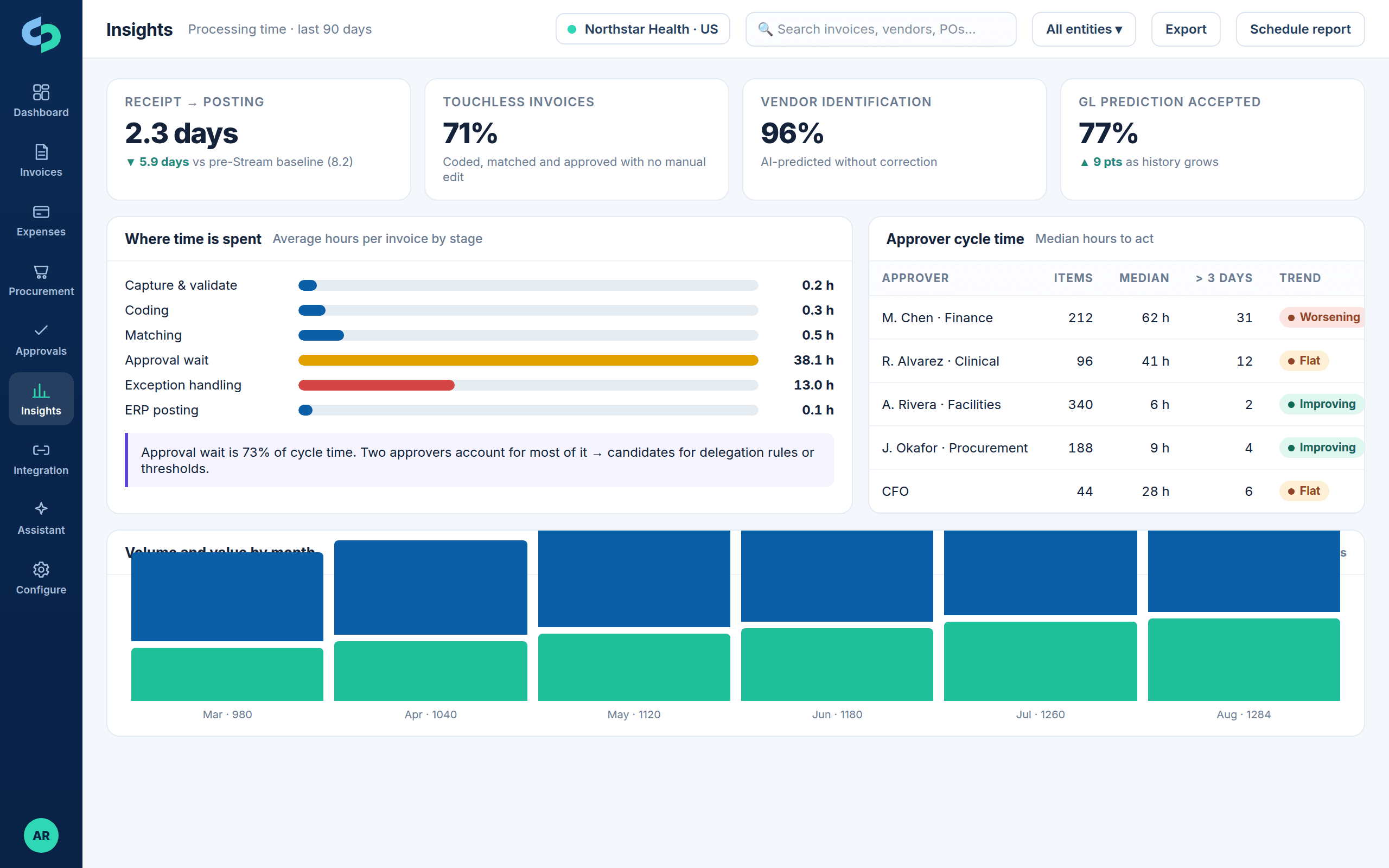
What each person sees
Deeply connected to the ERPs finance teams run
Next step
Ready to see it on your invoices?
Bring us your difficult invoice. We process it live against a workflow that resembles yours, on your ERP.